OVRLNDR Is Now on Your Home Screen
Add OVRLNDR to your phone's home screen and use it like a proper app - no download required. Here's how to do it on iPhone and Android.
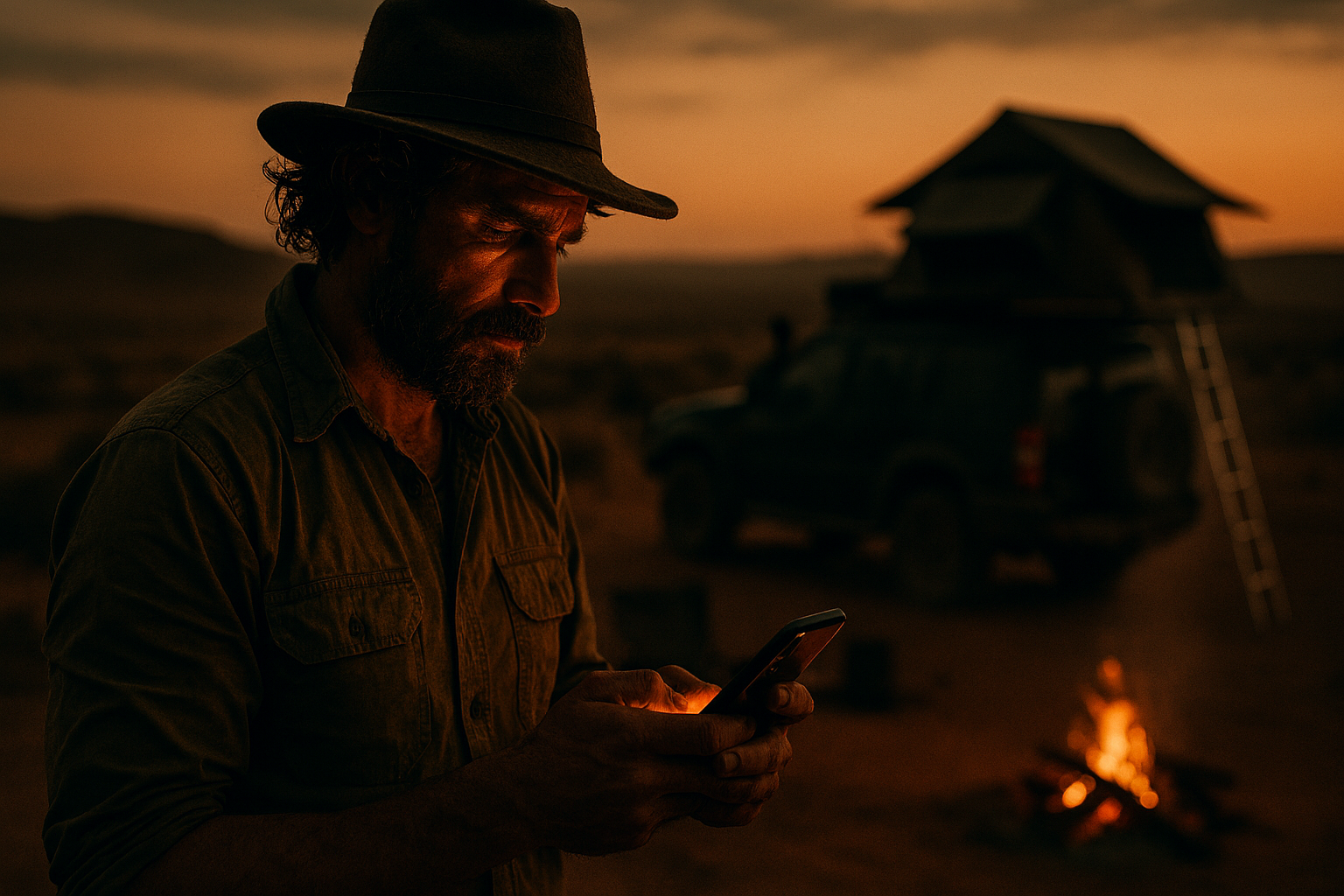
You know that moment when you're planning a trip - checking campsites, cross-referencing gear prices, looking up someone's build for ideas - and you're bouncing between your browser tabs trying to find the OVRLNDR tab you had open? Yeah. We've sorted that.
OVRLNDR now works as a proper home screen app on your phone. No App Store. No Google Play. No download. Just tap, and you're in.
What This Actually Means
When you add OVRLNDR to your home screen, it behaves like a native app. It gets its own icon on your home screen, it opens full screen without a browser address bar in the way, and it loads straight into the site. Same OVRLNDR - campsites, marketplace, builds, forum - just faster to get to and cleaner to use on mobile.
It's the same site. We haven't built a separate app. But for day-to-day use - checking a campsite before you leave, browsing the marketplace, reading through a build - it's a much better experience than hunting for a browser tab.
How to Add It on iPhone (iOS Safari)
This only works in Safari on iPhone. If you're using Chrome or another browser on your iPhone, switch to Safari first.
- Open ovrlndr.co.za in Safari
- Tap the Share button at the bottom of the screen - it's the square with an arrow pointing up
- Scroll down and tap "Add to Home Screen"
- Give it a name (OVRLNDR is fine) and tap Add
That's it. You'll see the OVRLNDR icon on your home screen.
How to Add It on Android
Android makes this even easier - Chrome will prompt you automatically.
- Open ovrlndr.co.za in Chrome
- You should see a banner at the bottom of the screen asking if you want to add OVRLNDR to your home screen - tap it
- If the banner doesn't appear, tap the three-dot menu in the top right, then tap "Add to Home screen"
Done. Same result - OVRLNDR icon on your home screen, opens like an app.
Why We Did This Instead of a Proper App
Honest answer: building and maintaining apps in the App Store and Google Play is expensive and slow. Approval cycles, separate codebases, update delays. For a community-first platform like ours, that doesn't make sense right now.
The home screen approach gives you 90% of the app experience with none of the overhead. And everything we build - new campsites, marketplace listings, forum posts - shows up instantly, because it's still the live site. No waiting for an app update.
If the community grows to a point where a native app makes real sense, we'll build one. But this is where we are now, and it works well.
Already Added It?
Let us know how it's working for you. If something feels off on mobile - anything that's harder to use than it should be - drop us a message or tag us on Instagram. Mobile UX is something we're actively improving and real feedback from real users on real trails is the most useful thing we can get.
Using OVRLNDR on your phone? We'd love to know what you use it for most - campsites, the marketplace, builds, or something else. Tell us in the forum or hit us up on Instagram.